Be in two places at once.
For shop owners, parents, landlords, schools & more. Find yours ↓




 Illustration
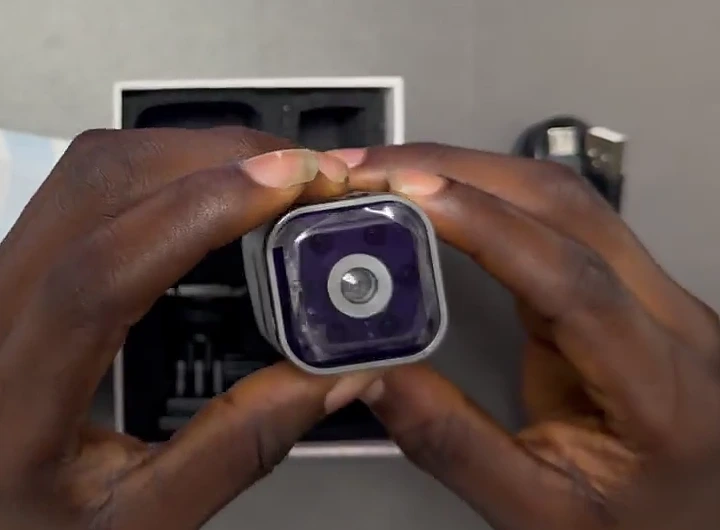
See your shop, home or office live on your phone, day or night, and talk to whoever is there. A palm-sized HD camera with a free memory card, delivered free, and you pay only when it is in your hands.
- Live HD view on your phone with the free iWFCam app
- Night vision for when the lights go off
- Two-way talk: hear the room and speak back
- Motion detection, rechargeable, adjustable mount included
Save up to ₦36,000 on bundles
- Free delivery, 36 states
- Pay on delivery
- Free memory card
- Real unit on video
Tap the one that sounds like you.
Shop owners, parents, landlords, school owners and more all have one space they wish they could see right now.
Tap your face, or swipe the cards
 Illustration
Go to market. Your shop comes with you.
- See your counter, shelves and door live on your phone, from the market, the bank or your house.
- Talk through the camera: greet a customer or remind your shop assistant of a price.
- Night vision lets you check the shop from your bed after you lock up.
Where to put it: High on the wall behind the counter, facing the door and the till.
 Illustration
In a meeting. Still home with your children.
- Look in on the sitting room between meetings and see how the day is going.
- Say hello through the camera and hear the children answer you.
- Recordings save to the free memory card, so you can look back at the day.
Where to put it: On a shelf in the sitting room or play area, where the children spend the day.
 Illustration
Mum is far away. Now you can see her every day.
- Check that Mum and Dad are fine without calling ten times a day.
- Talk to them through the camera. They hear you right there in the sitting room.
- See that whoever looks after them is there and doing the work.
Where to put it: In the sitting room, where they spend the day. Tell them it’s there, and make sure the house has Wi-Fi.
 Illustration
Know who walks through your door.
- Watch the entrance and see when guests check in and out.
- Check that the cleaner came and the apartment is ready for the next guest.
- Night vision covers late-night arrivals.
Where to put it: Facing the main door from inside. Keep it out of bedrooms and bathrooms, and tell your guests there is a camera.
 Illustration
Cash moves fast. Keep your eyes on it.
- See the counter and the cash live, even when your attendant is in charge.
- Recordings on the memory card help you settle “I gave you ₦10,000” arguments.
- Talk through the camera to guide your attendant during a rush.
Where to put it: Above or behind the counter, pointed at the cash and the terminal. It needs Wi-Fi: a router or a MiFi works.
 Illustration
Your salon is busy. See it from anywhere.
- See how many customers are waiting and how the day is going.
- Know what time the shop opened and who came to work.
- Speak to the front desk through the camera.
Where to put it: In a high corner facing the entrance and the chairs.
 Illustration
Your shelves are worth a lot. Keep them in view.
- Watch the counter and shelves whether you’re in the back or out of the shop.
- Night vision keeps the view going after closing.
- Recordings on the memory card if anything ever needs checking.
Where to put it: One over the counter, one in the store room.
 Illustration
See every class without leaving your office.
- Look in on classrooms and the play area from your office or from home.
- Check reception at drop-off and pick-up time.
- Show parents that you take their children’s safety seriously.
Where to put it: High in the corner of each classroom, plus one at reception. Let parents and staff know.
 Illustration
Count your stock without counting on anyone.
- See goods coming in and going out, live from your phone.
- Night vision after the doors are locked.
- Recordings on the memory card let you look back when the numbers don’t add up.
Where to put it: Above the loading door, in the store room and in the office.
 Illustration
Out buying foodstuff? Still watching the counter.
- See the serving counter, the queue and the cash point while you’re at the market.
- Check the kitchen is clean and cooking started on time.
- Talk to your staff through the camera.
Where to put it: Over the serving counter, facing the till and the queue.
People shown are illustrations.
Stop calling to ask “how far?” Just look.
You can’t be everywhere at the same time. But you still need to know what is going on.
and spend the whole trip wondering who is standing at your counter and what is happening with your stock.
and the only way to know how things are at home is to call, and hope someone picks up and tells you the full story.
and hope everything is exactly where you left it when you open in the morning.
A phone call only tells you what someone wants you to hear.
Seeing it yourself tells you everything.
Real product photo
Tiny camera. Your eyes and ears, wherever you are.
Point it at your counter, your sitting room or your front door. Then open the app and see it live, from anywhere you have internet on your phone.
Live HD on your phone
Open iWFCam and see the room as it is right now.
Night vision
Lights off? You can still see the space after closing.
Two-way talk
Hear what is happening and speak back through the camera.
Motion detection
Responds to movement in the area the lens covers.
Free memory card
8 GB or 16 GB card included for local recordings.
Rechargeable & mountable
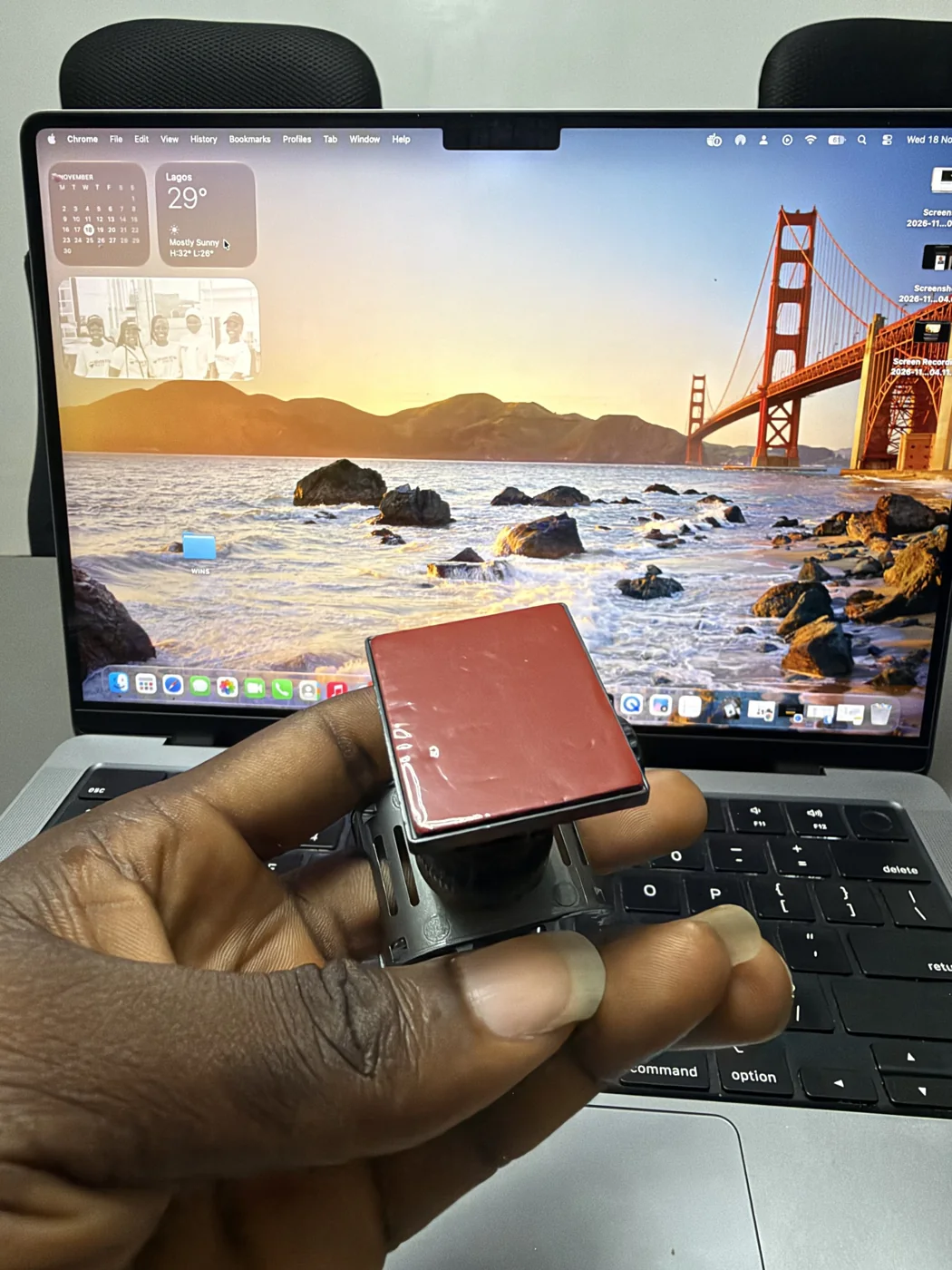
Charging cable, adjustable bracket and adhesive base included.
Peace of mind that works the same hours you do.
 Illustration
Home is one tap away.
Between meetings, open the app and look in on the sitting room. See that the children are fine, say hello through the speaker, and get back to work with your mind at rest.
No more calling three times to ask what is going on.
 Illustration
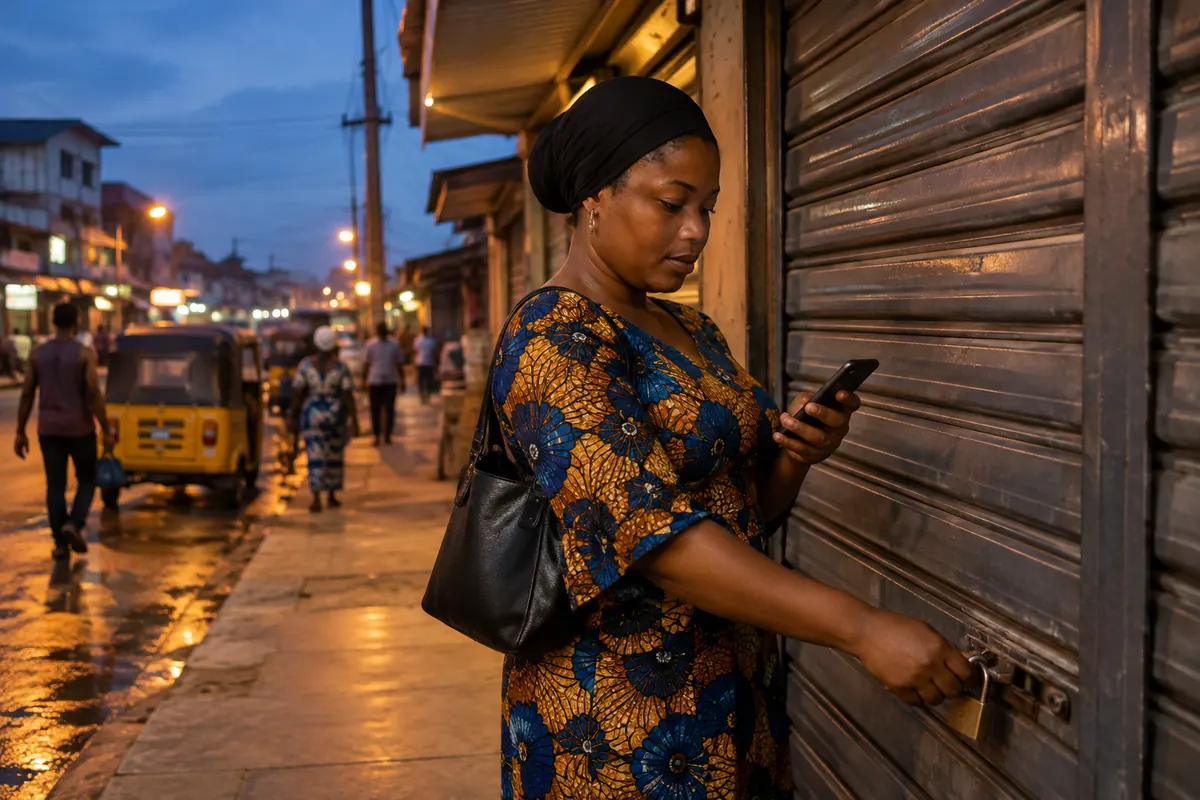
Lock up. Keep watching.
Night vision means the view doesn’t end when the lights go off. Check the shop from your bed, and use motion detection to watch the entrance or counter.
Every camera comes with its own memory card for recordings.
Watch the real unboxing.
No stock photos here. This is the actual AS03, out of the box, with every accessory you’ll receive.
One small camera. Any space you care about.
Stand it on a shelf, or use the bracket to aim it exactly where you need to see.

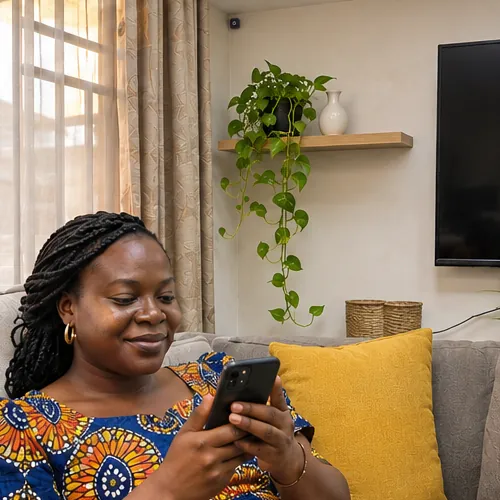
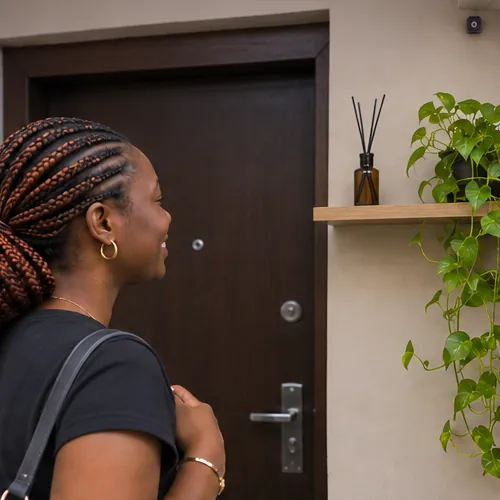

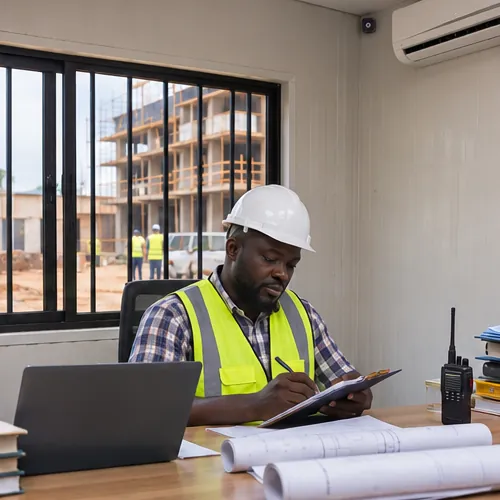
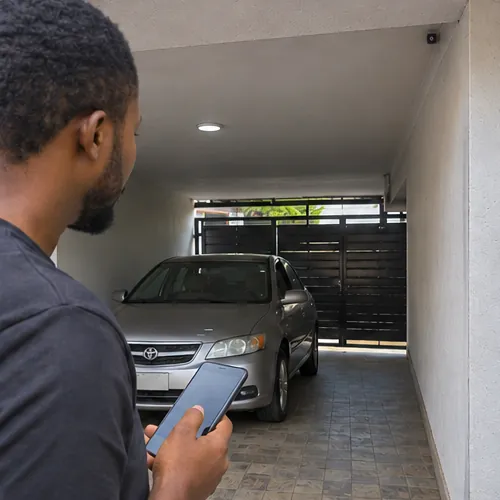
Placement scenes are illustrations. Indoor use with Wi-Fi. Please keep bedrooms, bathrooms and other private spaces off-camera.
“I could see every single angle right from my phone.”
Voice notes customers sent us after delivery, written out word for word.
Thank you so much for delivering the product to my doorstep. I just tested it at my workshop and I discovered that I could see every single angle right from my phone. I connected it with Wi-Fi, and I’m glad I purchased it. I’m even thinking of getting about two more so I could fix one at my home for my little kid, and also fix another one inside my car… I really look forward to referring you to my friends.
Carthub, thank you so much. I got the product. It worked perfectly well. The thing be say, I no even sabi say na so I go use am, but as I read the manual, I get am perfectly. Thank you so much. If I get any question, I go enter your DM, I go ask una.
Everything you need is in the box.
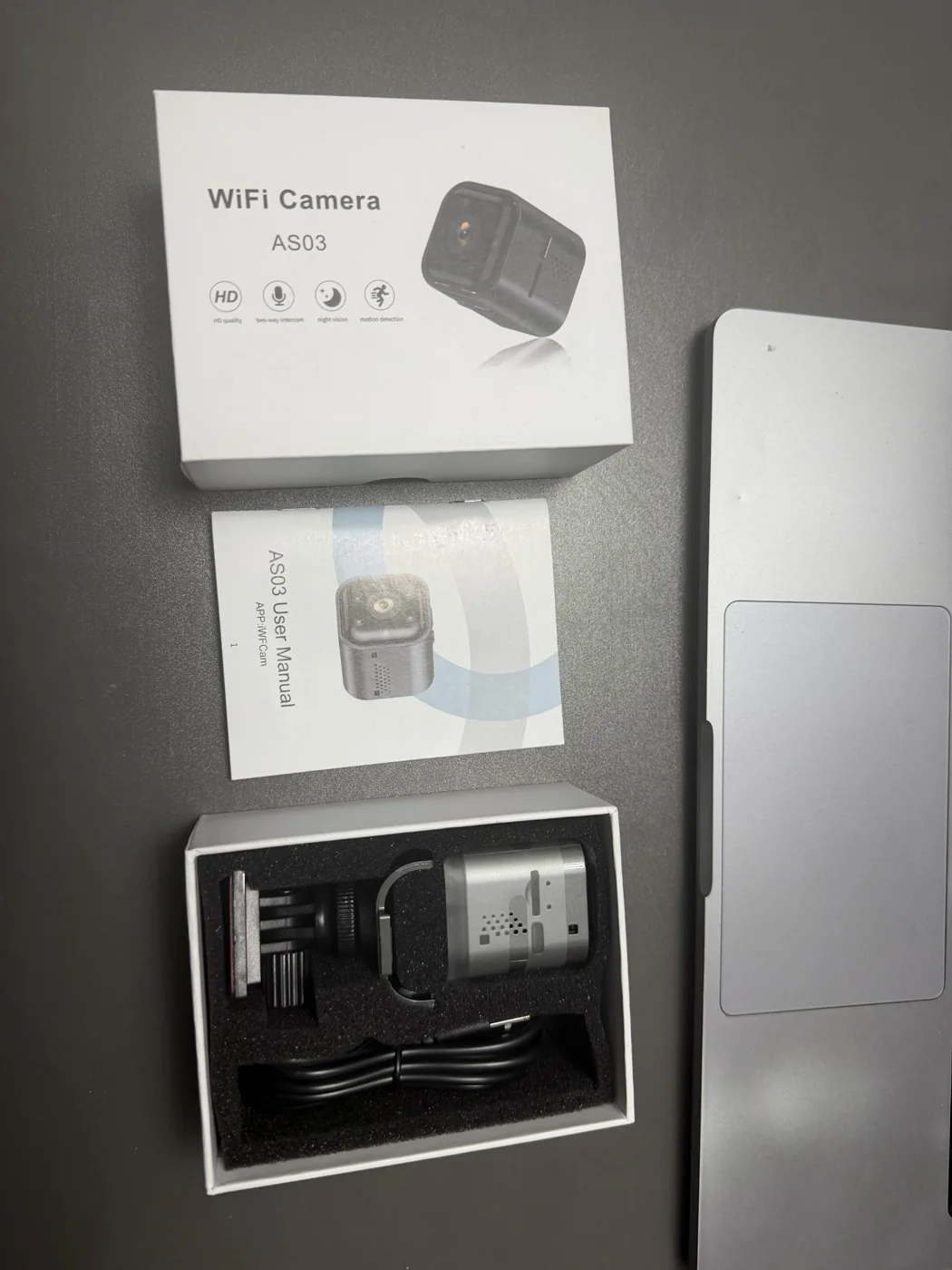
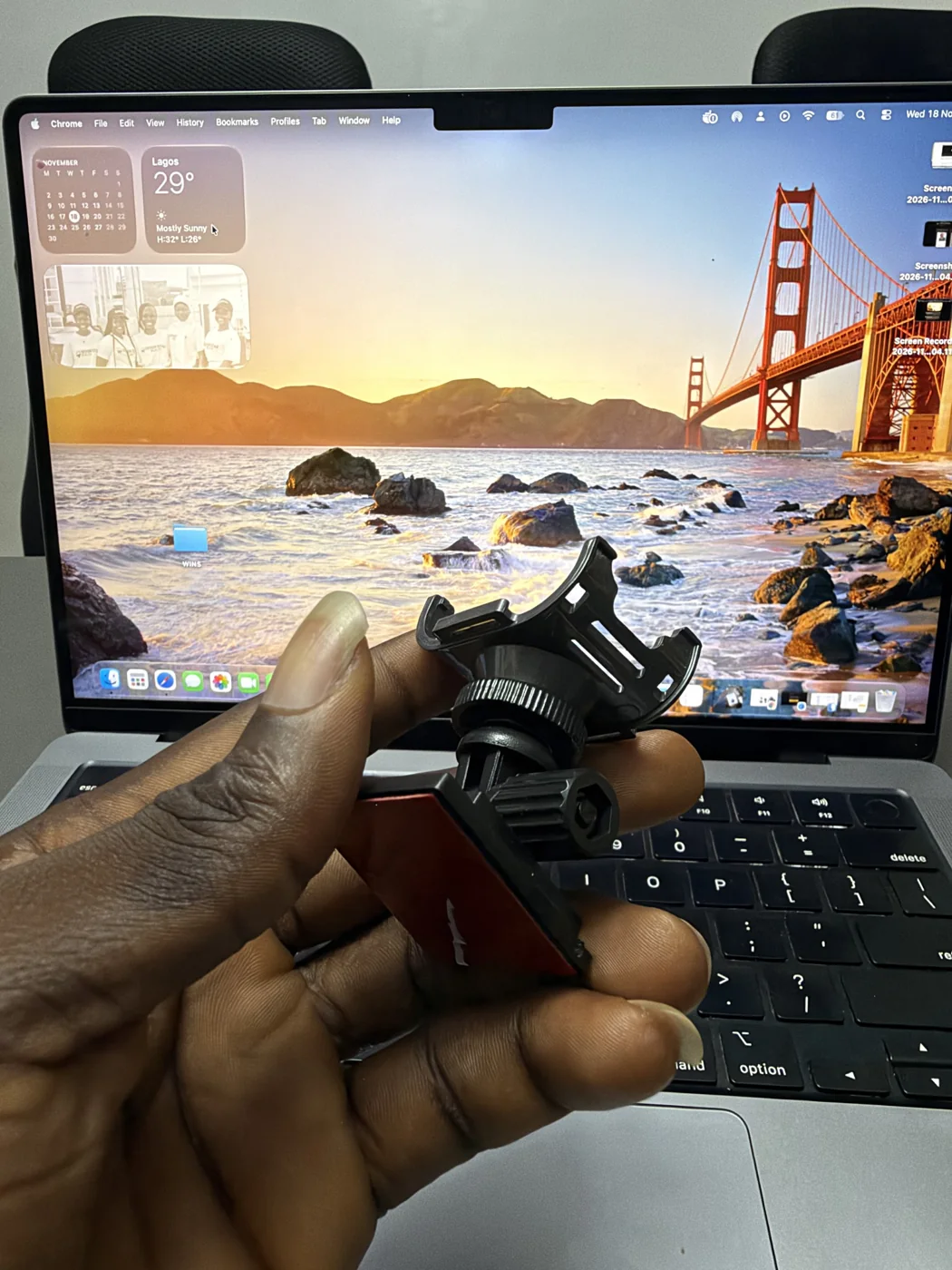
- 1×AS03 Mini Wi-Fi Smart HD CameraLive view, night vision, two-way audio, motion detection
- 1×FREE memory card8 GB or 16 GB, depending on your package
- 1×Adjustable mounting bracketTilt the camera to the exact angle you need
- 1×Adhesive baseFix the bracket to a wall, shelf or cabinet
- 1×Charging cableRecharge the camera when you need to
- 1×Printed user guideStep-by-step pairing with the iWFCam app
Ask these 6 questions. Here are our answers.
Plenty of mini cameras are sold online with one photo and no answers. Here’s exactly what you’re getting.
Yes. Real product photos and a full unboxing video are on this page.
No. You pay the rider when the camera is in your hands.
Yes. Night vision lets you view the area when the lights go off.
Both. Two-way audio lets you hear and speak through the app.
No. Every camera comes with its own free 8 GB or 16 GB card.
Your choice. Stand it on a shelf, or use the included bracket and adhesive base.
From the box to your phone in 3 steps.
Place or mount it
Set it on a shelf or desk, or fix the bracket with its adhesive base and point the lens at the area you want to see.
Connect to Wi-Fi
Download the free iWFCam app and follow the pairing steps in the printed guide.
Check your view
Open the live feed, adjust the angle, try the two-way talk, and check the view again with the lights off.
Good to know.
Do I pay before delivery?
No. There is no upfront payment. You pay the rider in cash or by transfer when your camera is physically in your hands.
Can I view the camera on my phone?
Yes. Connect the camera to Wi-Fi and use the free iWFCam app to see the live view on your phone.
Does it work when the lights are off?
Yes. The camera has night vision, so you can still view the area when the lights go down.
Can I talk through the camera?
Yes. Two-way audio lets you listen to the room and speak back through the app.
Does it need Wi-Fi?
Yes. The camera connects to a Wi-Fi network where it is placed. Your phone then shows the live view through the iWFCam app.
Does it come with a memory card?
Yes. Every camera includes its own free memory card for local recordings. Choose 8 GB or 16 GB. A two-camera bundle includes two cards, and so on.
How do I position the camera?
Stand it on a shelf or desk, or use the included adjustable bracket with its adhesive base. Check the live view in the app before you fix the bracket in place.
Is setup difficult?
No. Download iWFCam and follow the pairing steps in the printed guide that comes in the box. If you get stuck, send us a message and we’ll walk you through it.
How fast is delivery?
Once we confirm your order by phone, please be ready to receive it within 24–72 hours. Delivery is free to all 36 states.
Anything I should keep in mind when using it?
Use it in your own home, shop or office, and keep bedrooms, bathrooms and other private spaces off-camera. Letting people who share the space know there is a camera is good practice.
Choose your package.
The more spaces you cover, the less you pay per camera. Every camera comes with its own free memory card.
- Free memory card with every camera
- Bracket, adhesive base, cable & guide with each camera
- Free delivery to all 36 states
- Pay on delivery, nothing upfront
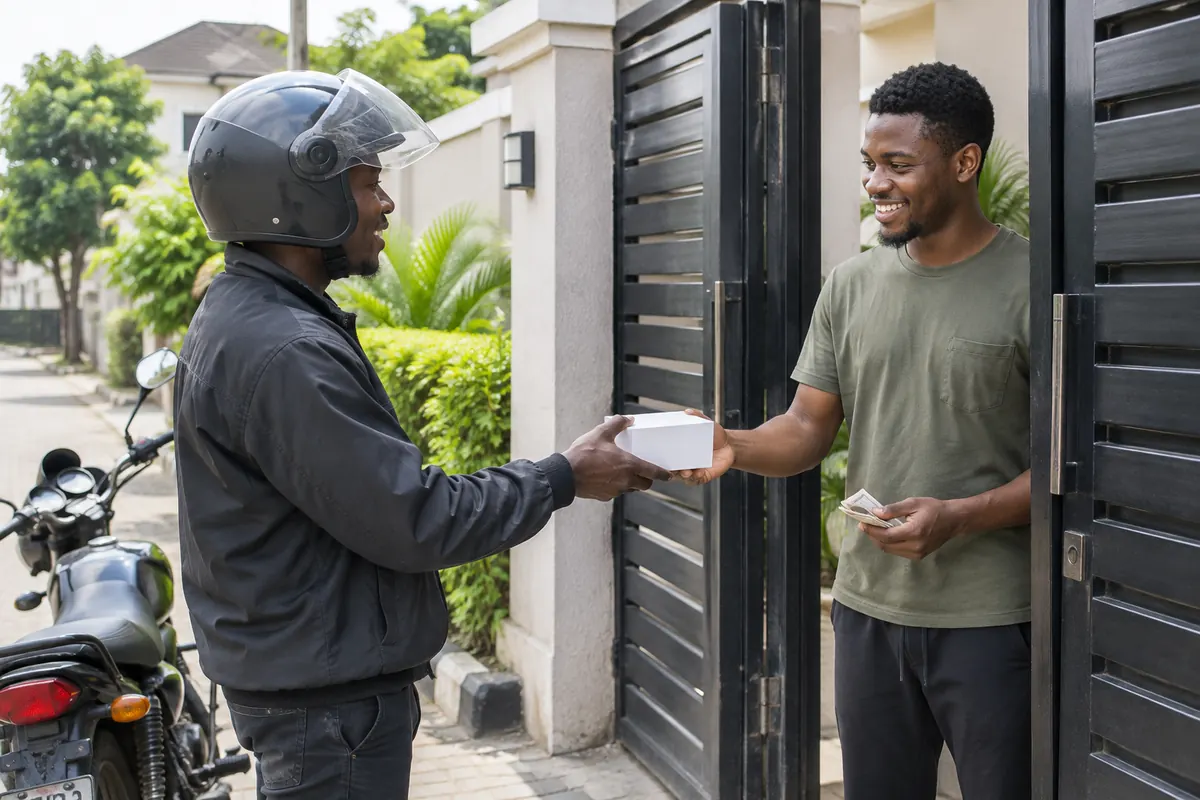
You don’t pay a kobo until it arrives.
- 1Fill the short form below. It takes under a minute.
- 2We call to confirm your order and delivery address.
- 3Pay the rider in cash or by transfer when the camera is physically in your hands.





Your shop is open right now.
Can you see it?
In a few days you could be watching it live on your phone. And you pay nothing until the camera is in your hands.
Yes, I want my AS03 →Order now. Pay on delivery.
Free delivery to all 36 states · Free memory card with every camera
Carthub · Product photos and the unboxing video show the actual AS03 camera. Lifestyle and placement scenes are illustrations.